
P777 Game Login: Sign In, Fix Login Problems & Reset Your Password
P777 Game login happens inside the Android app, not on a separate website. Once the app is installed and you've registered, you sign in with the phone number, email, or username you registered with, plus your password — and, depending on the situation, a one-time code sent by SMS. This guide covers everything account-access related in one place: the normal sign-in flow, logging in on a new phone, fixing login problems when sign-in actually fails, and resetting a forgotten password or recovering an account.
There is no official P777 Game desktop login that we can confirm. If an official web version is ever offered, it would use the same account credentials as the app — but be as careful about the web address as you would be about an APK download source, since sign-in pages are a common thing for clone sites to copy.
How to log in to P777 Game
- Open the P777 Game app. If you haven't installed it yet, follow our P777 Game APK download guide first, then come back to this step.
- On the login screen, choose how you want to sign in — phone number, email, or username — and enter the exact detail you used when you registered.
- Enter your password. If you're not sure it's correct, use the password reset flow rather than guessing repeatedly, since several failed attempts can trigger a temporary lockout.
- If the app asks for a one-time code, wait for the SMS and enter it. Codes can take a minute or two to arrive.
- Once you're in, check that your balance and history look right — that confirms the session loaded properly rather than opening on a stale one.

Which login detail do you use — phone, email, or username?
Use whichever one you registered with. If you signed up with a phone number, that number is your login ID; the same applies to an email address or a username. A common cause of a "wrong password" message that isn't actually about the password is entering the right password against the wrong identifier — for example, typing an email you associated with the account later but didn't register with.
- Phone number — enter it in the same format you registered with, including or excluding the country code exactly as you did the first time.
- Email — check for typos and trailing spaces, which some keyboards add automatically.
- Username — case can matter; enter it exactly as you created it.
Logging in on a new phone
Your account lives on P777 Game's servers, not on the old device, so a fresh install of the app on a new phone should let you log back in with your existing details. A first login on a new phone is also the most likely moment for an extra verification step to appear, because it's the account's first attempt from that device. Before switching, make sure you still have access to the phone number or email on the account, and log in successfully on the new phone before you wipe or sell the old one, in case you need it to clear a verification prompt.
Staying logged in
Most players don't need to log in every time they open the app — the session stays active until it expires or something invalidates it. A few things make unexpected logouts more common:
- Running an outdated version of the app — keep it updated from your original download source.
- Aggressive battery-optimization settings on some Android phones killing the app in the background; whitelisting the app once usually fixes repeat logouts.
- Switching networks or using a VPN that changes your apparent location mid-session.
- A device clock that has drifted out of sync, which can cause session tokens to be rejected.
Why P777 Game login fails
Apps distributed outside the Play Store don't get the automatic background updates that Play Store apps do, which means it's much more common for players to be running slightly outdated versions without realizing it. A login screen is one of the first things to break when a client version falls too far behind the server it's talking to, which is why version mismatches show up so often as the root cause behind login problems that otherwise look unrelated to each other. If you're not sure how to get the current build, our P777 Game APK download guide covers downloading and updating it safely.
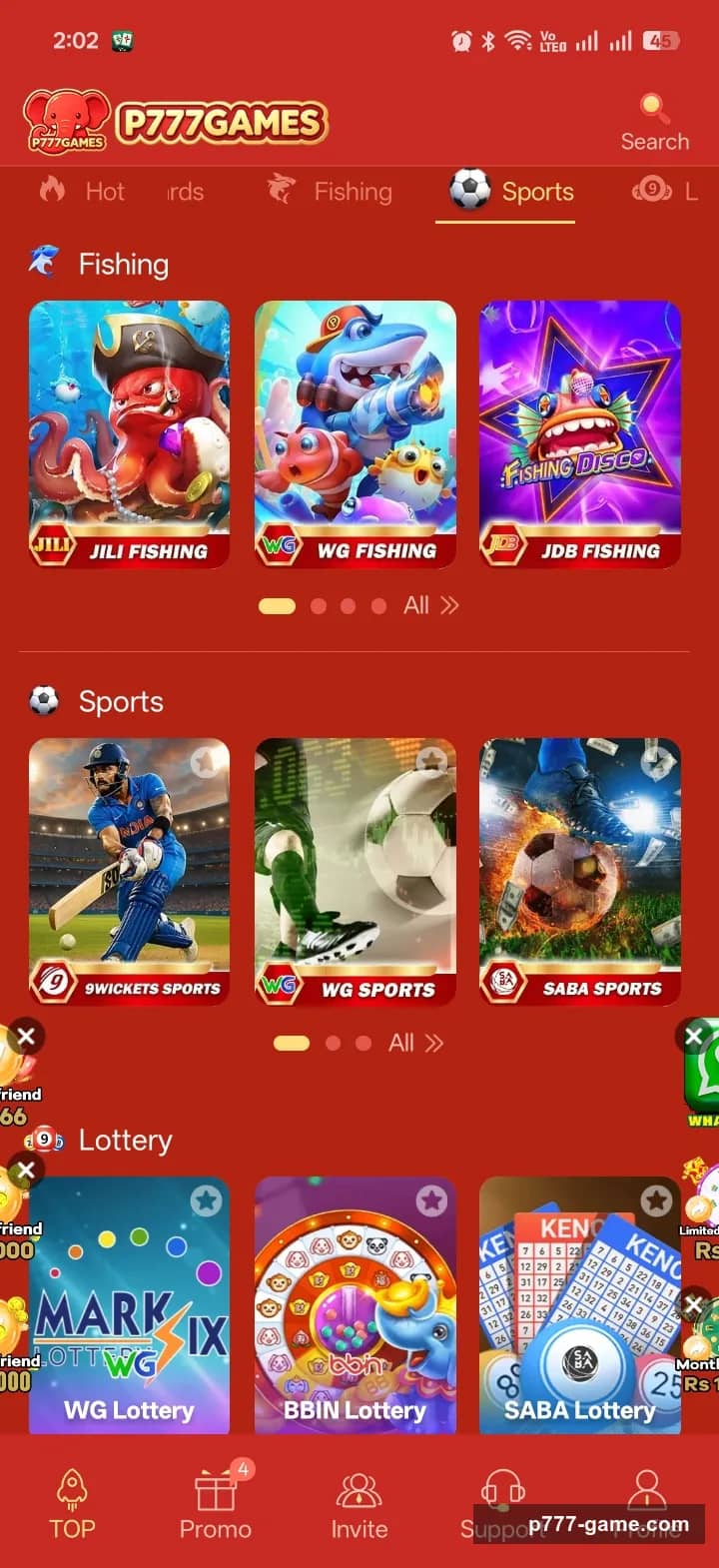
Quick login fixes
- Double-check you're using the exact phone number, email, or username you registered with — typos are the most common cause of “wrong password” errors that aren't actually about the password.
- Confirm you're on the current version of the app. Login endpoints on older versions sometimes stop working after a server-side update, even though nothing about your credentials has changed.
- Check your internet connection and switch between Wi-Fi and mobile data if login hangs rather than failing outright.
- Restart the app fully rather than just backgrounding it — a stuck session token from a previous crash can sometimes block a fresh login attempt until the app is closed and reopened.
OTP or reset code not arriving
One-time codes sent by SMS can be delayed by carrier filtering, especially if you've requested several in a short time. Some carriers and phones also silently filter messages from unfamiliar short codes into a spam folder rather than the main inbox, so a code that looks like it never arrived may actually be sitting unread somewhere else on the device. The same applies to password-reset codes.
- Wait a few minutes before requesting another code — repeated requests can trigger rate limiting that makes the delay worse rather than better.
- Check any spam or blocked-messages folder your default SMS app might have, and check whether your number has hit a carrier-side block for automated messages.
- Make sure your phone has signal strong enough to actually receive SMS, not just data — a device on Wi-Fi calling with weak cellular signal can sometimes miss SMS delivery entirely.
- Try switching between Wi-Fi and mobile data if the request seems to hang rather than fail.
- If codes never arrive across several genuine attempts, treat that as a sign to contact support rather than something that will fix itself.
Account locked or “invalid credentials” after a correct password
- Too many failed attempts in a short window can trigger a temporary lockout as an anti-abuse measure — wait before retrying rather than repeatedly guessing, since repeated attempts during a lockout window can sometimes extend it.
- Use the app's own password reset flow (below) rather than a link sent to you outside the app, even if it looks identical to the real one.
- If your account shows activity you don't recognize, change your password immediately and contact support through the app rather than a phone number found via search.
- Double-check your device's date and time are set correctly and set to automatic — a clock that's drifted out of sync can cause some apps to reject otherwise valid login sessions.
Device-specific issues worth ruling out
A VPN or proxy active in the background can sometimes interfere with login on apps that check for consistent network behavior, so it's worth temporarily disabling one if you have it running and login is failing without any other obvious cause. Aggressive battery-optimization settings can also kill background processes an app relies on to keep a session alive, which shows up as being logged out more often than expected rather than an outright login failure. If the app itself won't open or keeps crashing, rather than just refusing your login, our P777 Game not working guide covers app, network and device causes.
Stuck on a verification prompt you can't complete
If the app has ever added an extra verification step — a security question, a secondary email, or a device confirmation — logging in from a new device or location can trigger it even when your password is correct. That's expected protective behavior, not a fault, but it turns into a login failure the moment you can't answer the prompt. If you're blocked here, the fix is getting access to whatever the prompt relies on — usually the secondary email or the registered phone number — rather than retrying the same way.
Reset a forgotten P777 Game password
Before you start a reset, confirm the problem is actually the password — a “wrong password” error is just as often the wrong username, phone number, or email. Make sure you're on the current version of the app, since reset flows on outdated builds sometimes fail silently, and check that you still have access to the phone number or email you registered with: almost every recovery route depends on receiving a code there.
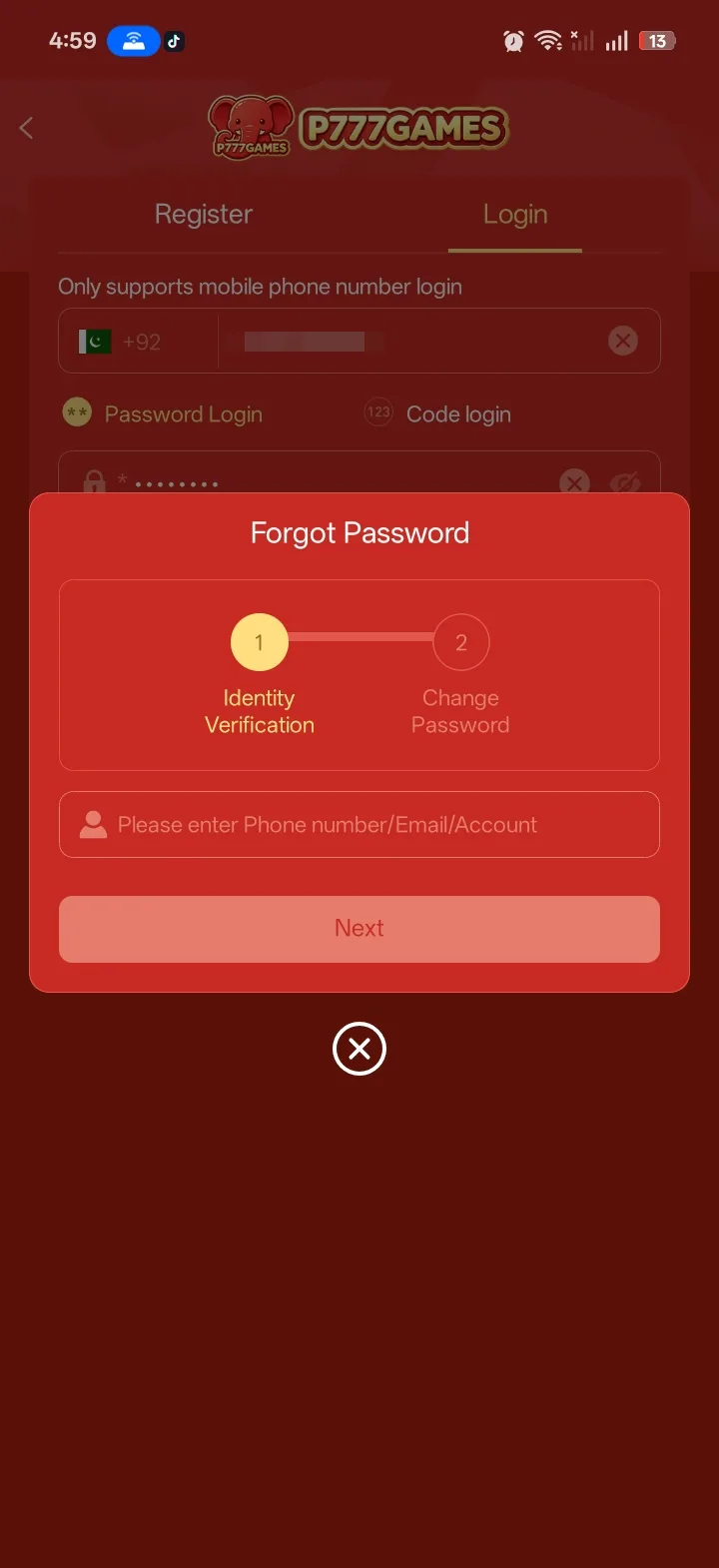
- On the login screen, choose “Forgot password” or the equivalent link.
- Enter the exact phone number or email tied to the account — not a different one you also use.
- Request the reset code and wait for it to arrive by SMS or email. Request it once and give it a few minutes.
- Enter the code, then set a new password that you haven't used on this app before.
- Log in fresh with the new password to confirm it worked, rather than assuming the reset screen leaving you logged in means it's fully done.
Choosing a new password
- Don't cycle back to an old P777 password or a password you use on other accounts.
- Favour length over symbols — a few unrelated words are easier to recall and harder to break.
- Save it somewhere reliable straight away, such as a password manager, so the next lockout doesn't start the same cycle again.
If you've lost access to your registered phone number
This is the hard case, and it's worth being honest that it doesn't always have a clean solution. If the number is gone — SIM lost, number recycled, changed carriers without porting — the standard reset route can't deliver a code to you. Your options usually come down to contacting in-app support and being ready to prove the account is yours through other means: registration date, transaction history, deposit method details, or any identity verification you completed earlier. Recovery without the registered contact is generally slower, more limited, and sometimes not possible at all, which is exactly why keeping that number active matters.
If you registered with email
Check the spam, promotions, and “all mail” folders, not just the inbox, since reset messages from unfamiliar senders are frequently filtered. If the email account itself is one you've lost access to, recover that first — most email providers have their own recovery flow — before trying the P777 reset again, since the game's reset depends on you being able to open that inbox.
Reset-link and code scams to avoid
- Only ever start a password reset from inside the app itself. A reset link sent to you by SMS, email, or chat that you didn't request is a phishing attempt, even if it looks identical to the real thing.
- Legitimate support will never ask you to read out a one-time code or tell them your password. Anyone who does is trying to take the account.
- “Account recovery agents” advertising on social media or in groups are not a real channel. Handing them your details, or paying a fee, loses you both the money and the account.
- A page asking you to “verify” by logging in through a link is how credentials get harvested — navigate to the app yourself instead of following a link.
After a successful reset or fix
Log out completely and log back in from the login screen, rather than just checking that the app opened without an error — a session can appear to load normally while still running on a stale token underneath. If login succeeds cleanly and your balance, transaction history, and any pending withdrawal look correct, the underlying cause has actually been resolved. If the account shows activity you don't recognise, change the password again immediately and contact support through the app — a forgotten password and an account someone else has been in can look similar from the outside. If the same problem reappears within a day or two, the root cause probably wasn't what you first suspected, so work back through the list rather than repeating the same fix.
Keeping your P777 Game login secure
- Use a password unique to this account, not one you reuse on email or other apps.
- Never share a one-time code or your password with anyone, including someone claiming to be support — legitimate support never needs them.
- Only reset your password through the official app, not a link you didn't request.
- Keep the registered phone number active, and update it inside the app before you give up an old number, not after.
- Complete any optional identity verification while you have easy access, so support has something to check you against if recovery is ever needed.
- Avoid logging in on public or shared devices where you can't clear the session afterward.
If you still can't log in
If none of the above resolves it, contact support through the app itself with your account ID and what you've already tried — our guide to contacting P777 Game support covers finding the real channel and what to send. If support is unreachable through the app, treat that as a signal worth taking seriously — see our guide on whether P777 Game is real or fake for what else to check.
18+ only. Referral link: we may earn a commission. Real-money play carries financial risk.
Frequently Asked Questions
Where do I log in to P777 Game?
Inside the Android app, on the login screen you see after opening it. There is no separate P777 Game website login that we can confirm; if an official web version exists, it would use the same account credentials.
Can I log in to P777 Game on a computer or the web?
There's no confirmed official desktop or web login. Treat any site offering a "P777 Game web login" with caution and verify the address, since sign-in pages are commonly cloned.
I forgot my P777 Game password — what do I do?
Use the "Forgot password" link on the login screen and reset it using the phone number or email tied to the account. Only use the reset flow inside the official app.
Do I need an OTP every time I log in?
Not usually. A one-time code is more likely when you log in from a new device or after a long gap, as a security check rather than a routine step.
Why does the app log me out repeatedly?
This is often related to app version mismatches, unstable connections, or aggressive battery optimization killing the app in the background. Keeping the app updated and whitelisting it in battery settings resolves most repeat-logout issues.
Does using a VPN cause login problems?
It can, on apps that check for consistent network behavior during login. If login fails without another obvious cause, try disabling any active VPN or proxy and attempt again.
I've lost my registered phone number. Can I still recover the account?
Sometimes, through support, if you can prove ownership another way — registration date, transaction history, verification you completed. It's slower and not guaranteed, which is why keeping the number active matters.
Is it safe to give support my one-time code so they can reset it for me?
No. Legitimate support never needs your OTP or password. A request for either is an account-takeover attempt.
Should I pay a “recovery agent” who says they can get my account back?
No. There's no legitimate paid recovery channel outside the app's own support. Paying one loses you the fee and often the account.