
P777 APK for Android: Download, Install, Update & Safety Guide 2026
If you're searching for the P777 APK for Android, you probably want one of a few things: how to install it, how to check the version, how to update an existing install, or whether an APK is safe to open. This guide covers the Android install process, what to check before opening any APK, and how to handle the common install and update errors.
Because APK files get re-hosted by third-party sites, the source matters as much as the version number. Check the source, file details, permissions, and Android compatibility before installing.
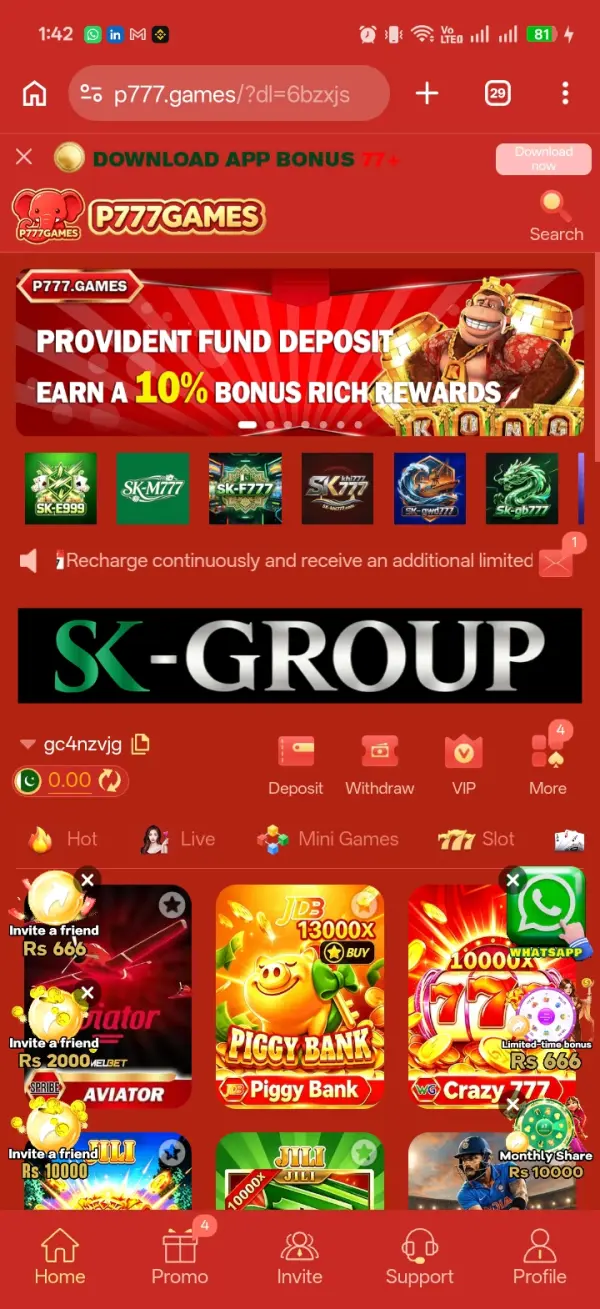
What is a P777 APK?
APK (Android Package Kit) is the file format Android uses to install an app manually. P777 Game is distributed as an APK from a website rather than through Google Play, so you download the file and approve the install yourself. The version changes over time — check the version your source shows rather than assuming an older file is current.
P777 APK download for Android
Before downloading, check what the page tells you:
- APK version number
- File size
- Update date
- Android compatibility
- Publisher or developer information
- Requested permissions
- The download source itself
Avoid pages with misleading download buttons, automatic redirects, or “unlimited money” and “mod APK” claims.
How to install the P777 APK on Android
Once you have the file from a source you trust:
- Download the APK in your Android browser and wait for it to finish completely before opening it.
- Open your Downloads folder or the download notification and check the file has an .apk extension.
- Tap the file and follow Android's prompts. You may be asked to allow your browser or file manager to install apps from that source — grant it only for the app you actually used.
- Read any security warning Android shows instead of dismissing it. Continue only if you trust the source and actually need the app.
- After it installs, open P777 Game and review the permissions it requests. Grant only what fits a gaming app.

Why won't my P777 APK install?
Most failed installs trace back to a handful of causes:
- Incompatible Android version — the app needs a newer or different Android release than your phone runs; check current requirements before retrying.
- Not enough storage — free some space if your device is near capacity.
- Corrupted download — an incomplete file won't install; get a fresh copy from the same trusted source rather than retrying the broken one.
- Existing install conflict — an older copy can block the new one; check what account or local data is affected before uninstalling it.
- Security restrictions — Android blocks installs from unknown sources by default; enable the permission only for the one source you trust.
How to update the P777 APK
APK apps don't auto-update the way Play Store apps do. When a new version appears, don't grab it from the first search result:
- Check your currently installed version.
- Compare it with the new version.
- Confirm the download source.
- Check the Android requirements.
- Make sure you have enough storage.
- Install the newer version.
Sticking to the same trusted source for updates reduces the chance of installing a modified copy.
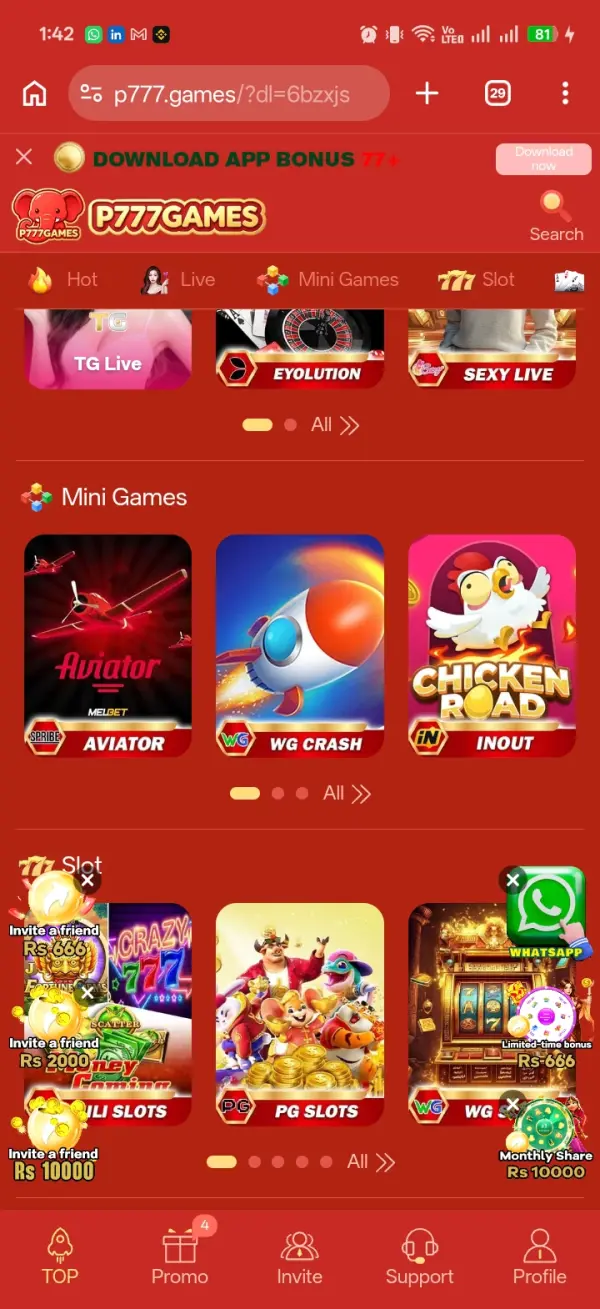
P777 APK vs the website
An APK gives you a dedicated Android app but means installing a file and reviewing permissions. A web version, if one exists, opens in a browser with no install step, though the experience depends on your browser. If an official web version is available, it's an option for anyone who'd rather not sideload.
Is the P777 APK safe?
There's no way to confirm an APK is safe just because a page calls it “100% safe.” Before installing, weigh where the file came from, whether the version details are clear, whether Android flags a warning, what permissions it asks for, and whether the source matches the app you meant to install. Skip modified, cracked, or “unlimited money” builds. If an APK requests permissions that don't fit its purpose, stop and check before continuing.
For the full walkthrough with more detail on each step, see our P777 Game APK download guide. If the app installs but won't log you in, our P777 Game login problems guide covers the usual causes.
Frequently Asked Questions
What is the P777 APK?
It's the Android installation package for P777 Game, used to install the app manually because it isn't distributed through the Google Play Store.
How do I download the P777 APK for Android?
Use a source you trust, check the version and file information shown on the page, download the APK completely, and review the file before installing it.
How do I install the P777 APK?
Open the downloaded .apk file and follow Android's prompts. Depending on your device, you may need to allow installation from the browser or file manager you used to download it.
Why is my P777 APK not installing?
Common causes are an incompatible Android version, insufficient storage, a corrupted download, security restrictions, or a conflict with an existing installation.
How do I update the P777 APK?
Check your installed version, confirm the newer version and its source, make sure your device is compatible and has storage, then install the update over the existing app.
Is the P777 APK safe?
Safety depends on the source and integrity of the file. Don't assume an APK is safe because a third-party site describes it as verified — check the source, permissions, and whether Android flags a warning.